
CarPlay wallpaper: what’s possible and the cute workaround
Updated November 8, 2026 · by the Stunny team
Let’s be honest from the start: you can’t set your own photo as your CarPlay wallpaper, even in iOS 26. What you can do is pick one of Apple’s wallpapers, choose light or dark, and then make the screen yours with widgets. Here’s how, plus a gallery of cute setups.
The short answer
- Custom photo wallpaper: not possible on CarPlay.
- Apple’s wallpapers: yes, you can switch between the ones Apple includes.
- Light or dark: yes, in Appearance.
- The workaround: widgets. They cover most of the screen, so a cute widget setup changes the whole look.
How to change your CarPlay wallpaper
- On the car screen (parked!), open Settings in CarPlay.
- Choose Wallpaper.
- Pick one of the options. The change is instant.
If you can’t see Settings on the Dashboard, open the page with all your CarPlay apps: Settings is one of them.
Light, dark and a softer look
CarPlay uses the dark appearance by default in most cars. In Settings in CarPlay → Appearance you can let it switch to light during the day. Wallpapers look softer and more pastel in light, deeper and moodier in dark.
A quick way to match your vibe:
| If your world is… | Try |
|---|---|
| Pink Baddie, Vamp Romance | Dark appearance: neon and lace pop on black |
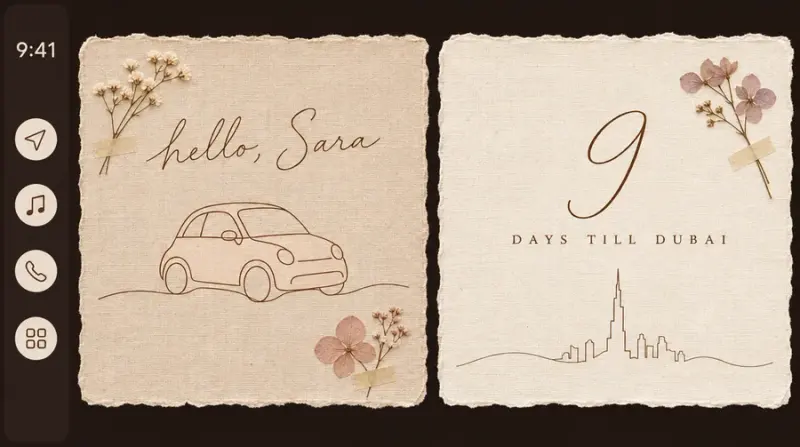
| Line & Linen, Gouache Café, Scrapbook | Light appearance with a neutral wallpaper |
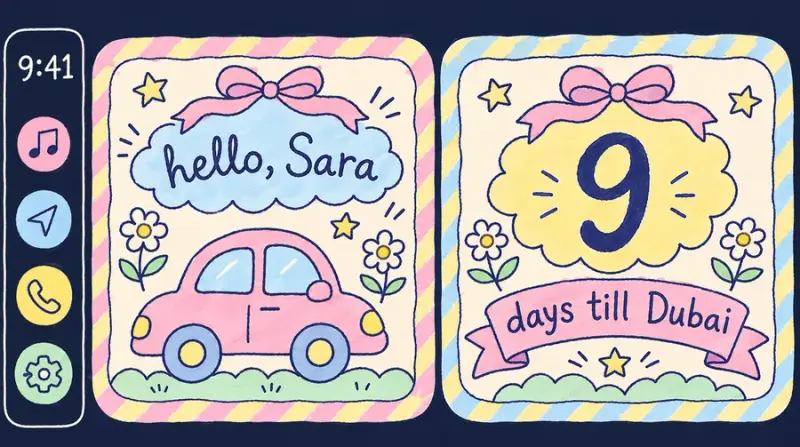
| Doodle Diary, Colored Pencil, Gummy Candy | Light appearance with a colorful wallpaper |
| Frosted Ice, Holo Angel | A cool blue or lilac wallpaper |
The cute workaround: widgets
Since iOS 26, CarPlay shows widgets in square stacks, and they take up a big part of the screen. That’s where your personality goes:
- A photo widget, if you want a picture of your bestie, your dog or your last trip.
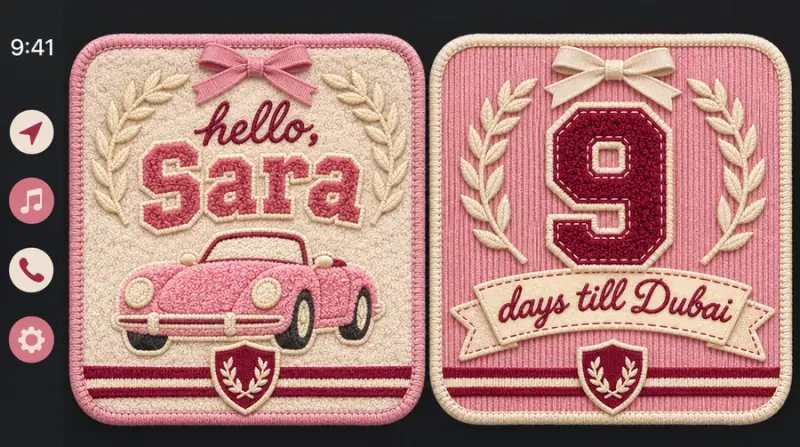
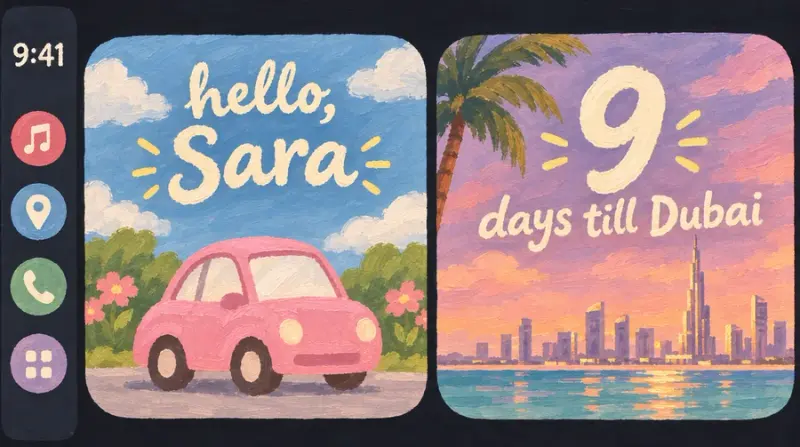
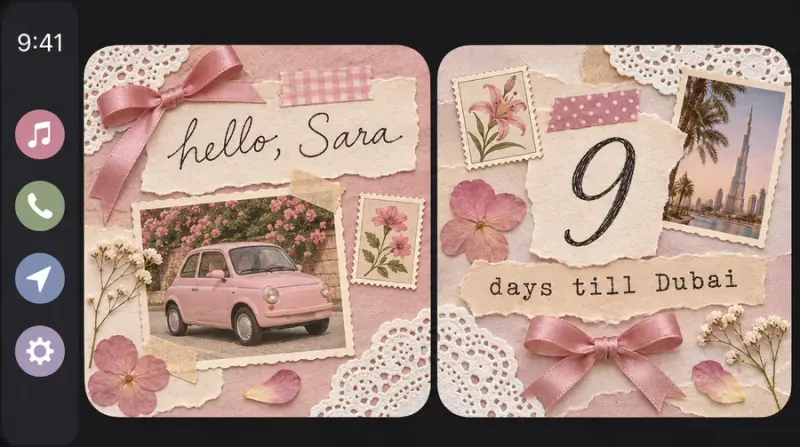
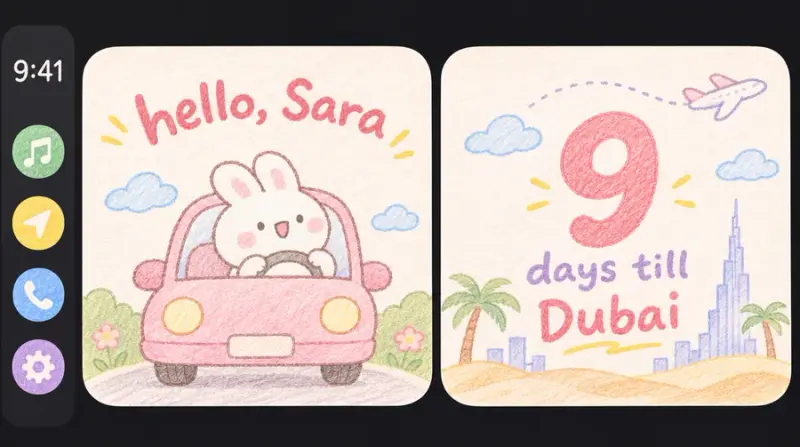
- Stunny widgets, with your real car drawn in pink (or in your color), your name, your plate and your countdowns.
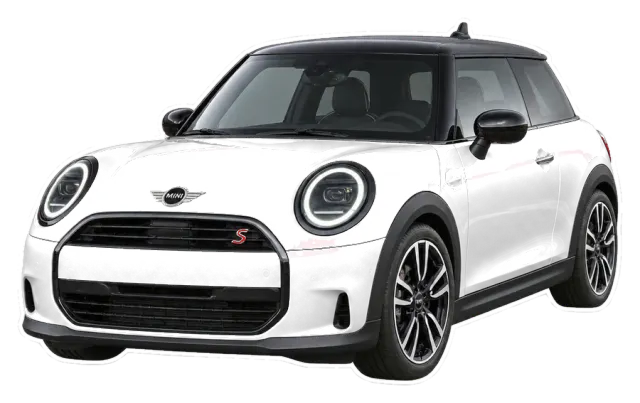
Adding them takes a minute: here’s how to add widgets to CarPlay.
Gallery: Stunny setups by world
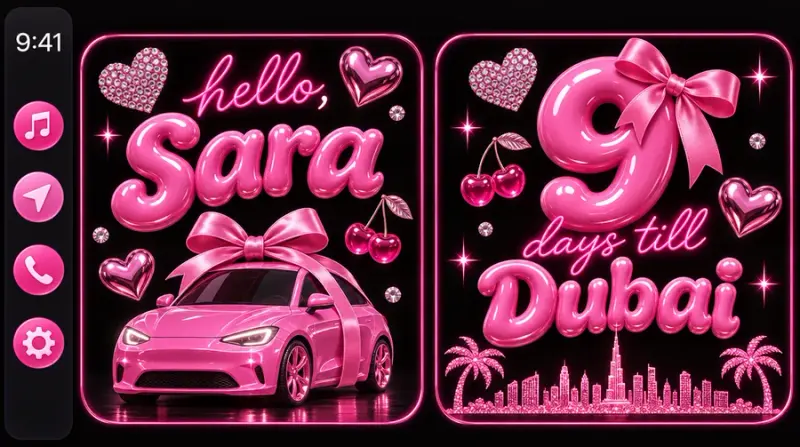
Each Stunny world is a full look for your widgets. These are the reference boards the worlds are designed from: pick the one that feels like you.






Aesthetic ideas to steal
- Clean girl: light appearance, a neutral wallpaper, Line & Linen widgets with your plate in serif.
- Night drive: dark appearance, Pink Baddie with a neon countdown.
- Coquette: Cherry Coquette, a cream car, a red bow on the “my car” widget.
- Soft winter: Frosted Ice with a Baby blue car and a ski-trip countdown.
FAQ
Can I use my own photo as my CarPlay wallpaper?
No. As of iOS 26, CarPlay only uses Apple’s own wallpapers. Any website or app that promises a custom photo wallpaper for CarPlay can’t do it with Apple’s settings. Widgets are the honest way to make the screen yours.
Can I download CarPlay wallpapers?
You can download images, but CarPlay won’t let you set them as the wallpaper. What you can add is widgets, like Stunny widgets with your car in your color.
How do I change my CarPlay wallpaper?
On the car screen, open Settings in CarPlay, choose Wallpaper, then pick one of the options.
Is there a pink CarPlay wallpaper?
Apple’s set changes with iOS versions, and the light appearance makes some options look soft and rosy. For a really pink screen, see how to get a pink CarPlay the safe way.
Make it yours with Stunny
Your real car in your color, dreamy worlds and startup sounds, all set up from your iPhone.